
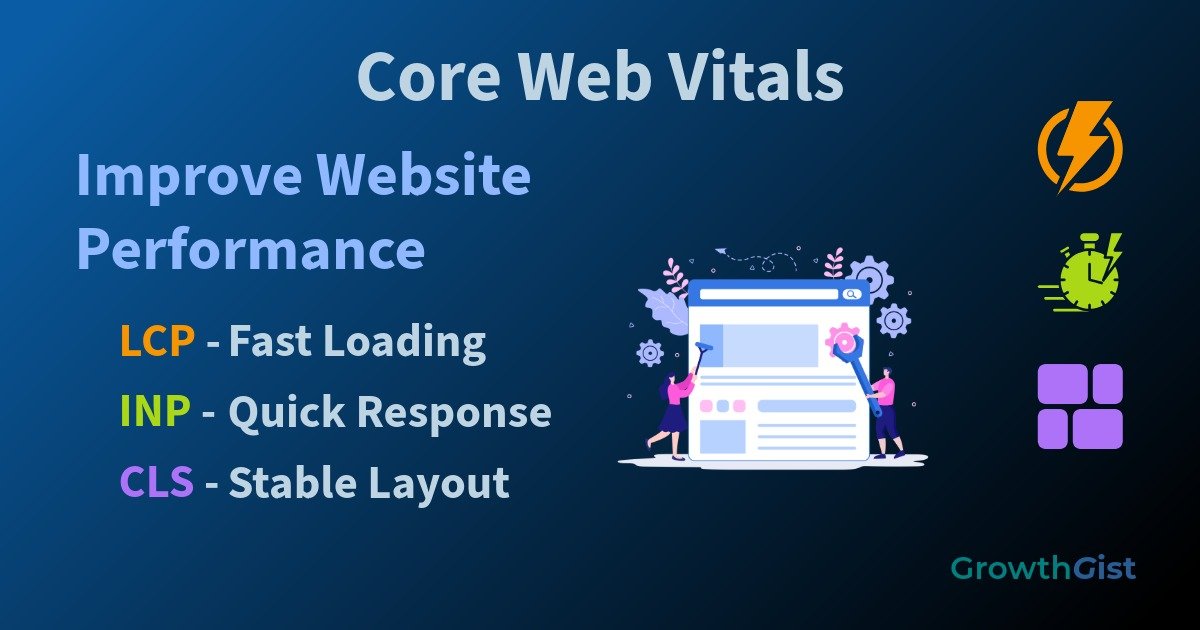
Core Web Vitals are a set of website performance metrics that help measure how users experience a webpage. They focus on loading speed, responsiveness, and visual stability, providing website owners with valuable insights into overall user experience.
While many SEO beginners focus primarily on keywords and content, website performance also plays an important role in how visitors interact with a site. A page that loads quickly and responds smoothly can create a better experience for users and encourage them to stay longer.
Many website owners focus heavily on publishing content but pay less attention to how that content is delivered to visitors. Even a well-written article can become difficult to consume if the overall browsing experience feels slow or inconsistent. Understanding website performance helps create an environment where users can access information more comfortably.
In this guide, you’ll learn what Core Web Vitals are, why they matter, and how beginners can improve them.
What Are Core Web Vitals?
Core Web Vitals are performance metrics introduced by Google to help website owners understand how real users experience their websites.
Google provides detailed information about Core Web Vitals and how they are measured.
These metrics focus on important aspects of page usability and help identify areas that may require improvement.
The three primary Core Web Vitals are:
- Largest Contentful Paint (LCP)
- Interaction to Next Paint (INP)
- Cumulative Layout Shift (CLS)
Together, these metrics provide a useful picture of website performance.
Why Are Core Web Vitals Important?
Visitors expect websites to load quickly and function smoothly.
A slow or unstable webpage can create frustration and make it difficult for users to access information.
Improving Core Web Vitals can help:
- Enhance user experience
- Improve website usability
- Support visitor engagement
- Reduce frustration during browsing
- Contribute to overall website quality
A high-quality website can also support broader off-page SEO efforts.
User expectations continue to increase as websites become faster and more advanced. Visitors often compare experiences across multiple websites without realizing it. When a site feels smooth and easy to use, users are more likely to continue exploring additional pages and interacting with available content.
Performance improvements often benefit both visitors and website owners.
Largest Contentful Paint (LCP)
Largest Contentful Paint measures how long it takes for the main content of a page to become visible.
In simple terms, it helps determine how quickly users can see important information after opening a webpage.
Several factors can affect LCP:
- Large images
- Slow server response times
- Render-blocking resources
- Unoptimized files
Improving these elements can help pages load more efficiently.
Interaction to Next Paint (INP)
Interaction to Next Paint measures how responsive a webpage feels when users interact with it.
For example, when a visitor clicks a button or opens a menu, the page should respond quickly.
Poor responsiveness can make websites feel slow even when content loads successfully.
Reducing unnecessary scripts and improving website efficiency can help improve responsiveness.
Cumulative Layout Shift (CLS)
Cumulative Layout Shift measures visual stability.
A page experiences layout shifts when elements unexpectedly move while loading.
Examples include:
- Buttons changing position
- Images loading without reserved space
- Text moving unexpectedly
- Advertisements pushing content downward
A stable layout helps visitors interact with content more comfortably.
How Core Web Vitals Affect User Experience
Core Web Vitals are closely connected to user experience.
Visitors generally prefer websites that:
- Load quickly
- Respond smoothly
- Maintain stable layouts
These characteristics make content easier to consume and help users complete tasks without unnecessary interruptions.
Focusing on usability often creates a better overall browsing experience.
Common Causes of Poor Core Web Vitals
Many website performance issues result from common technical problems.
These may include:
- Oversized images
- Excessive plugins
- Unused scripts
- Poor hosting performance
- Large page sizes
Identifying these issues is often the first step toward improvement.
How to Improve Core Web Vitals
Beginners can improve Core Web Vitals by focusing on practical optimizations.
Consider the following actions:
- Compress and optimize images
- Reduce unnecessary plugins
- Enable caching
- Use reliable hosting
- Minimize large scripts
- Optimize website resources
These improvements can contribute to long-term website growth.
Performance improvements do not always require major technical changes. In many cases, a series of smaller optimizations can gradually improve overall website quality. Taking a step-by-step approach often makes performance management easier for beginners who are still learning website optimization concepts.
Small improvements can gradually enhance overall website performance.
Core Web Vitals and Mobile Users
Many users access websites through smartphones and tablets.
As a result, mobile performance plays an important role in website usability.
Pages that perform well on mobile devices can provide a more consistent experience across different screen sizes.
Optimizing for mobile visitors helps ensure that content remains accessible and easy to use.
Strong mobile performance is especially valuable for businesses targeting local customers.
Tools to Measure Core Web Vitals
Several tools can help website owners evaluate performance.
PageSpeed Insights can help identify performance opportunities and user experience issues.
These tools provide valuable information about loading speed, responsiveness, and page stability.
Regular monitoring helps identify potential issues before they negatively affect the user experience.
Website owners can also review performance data through Google Search Console.
Performance testing should be viewed as an ongoing process rather than a one-time task.
Common Core Web Vitals Mistakes
Beginners sometimes make mistakes that limit website performance improvements.
Common examples include:
- Uploading large image files
- Installing too many plugins
- Ignoring mobile performance
- Failing to test website speed
- Using unnecessary website elements
Avoiding these issues can help maintain a faster and more stable website.
As websites grow, new content, images, and features are often added over time. Regular performance reviews can help ensure that these additions do not negatively affect the browsing experience. Consistent monitoring allows website owners to identify potential issues early and maintain a reliable experience for visitors.
Final Thoughts
Core Web Vitals help website owners understand how visitors experience their webpages. By improving loading speed, responsiveness, and visual stability, beginners can create websites that are easier to use and more enjoyable to browse.
Although performance optimization may seem technical at first, small improvements made consistently over time can contribute to a better user experience and support long-term website growth.

GrowthGist was founded by Ishwar Solanki to provide clear, practical, and beginner-friendly content on SEO, blogging, AI tools, productivity, website optimization, and digital growth. The platform helps readers build valuable digital skills and strengthen their online presence through actionable insights and reliable information.