
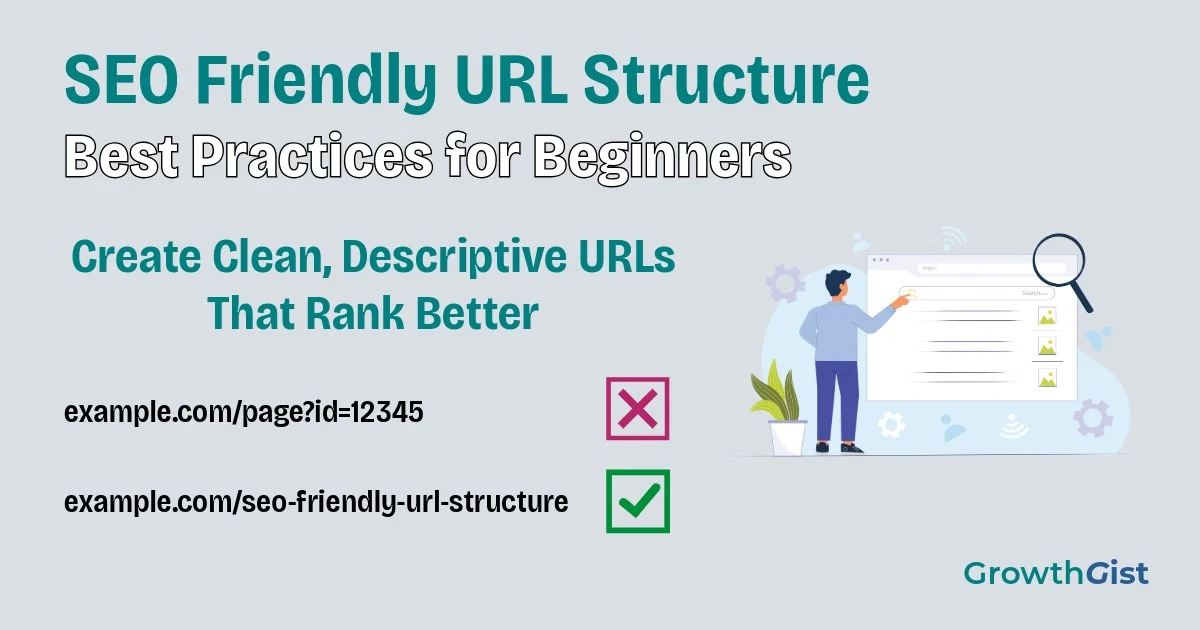
SEO-friendly URL structure is one of the first things to plan when creating a new website. If you’re creating a new website, one of the easiest SEO improvements you can make is choosing a clean and descriptive URL structure. Although URLs may seem like a small detail, they help both users and search engines understand what a page is about.
A well-structured URL improves readability, makes pages easier to share, and supports better website organization. While changing URLs alone won’t suddenly improve rankings, following good URL practices creates a stronger technical SEO foundation and supports a long-term SEO strategy.
In this beginner-friendly guide, you’ll learn what SEO-friendly URLs are, why they matter, and the best practices you should follow before publishing new pages.
What Is an SEO-Friendly URL Structure?
A URL (Uniform Resource Locator) is the web address of a page.
For example:
Good:
example.com/seo-friendly-url-structure
Avoid:
example.com/page?id=4829
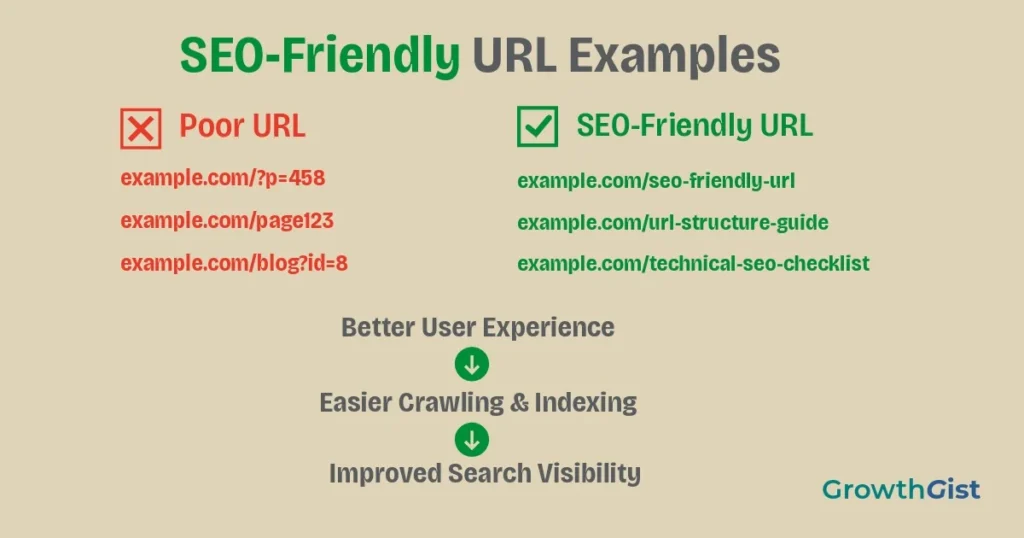
An SEO-Friendly URL Structure is an important part of On-Page SEO because it clearly describes the page’s content using simple words that both users and search engines can understand.
Similar to meta titles and descriptions, a descriptive URL gives visitors a better idea of what they’ll find before clicking.
Why Does URL Structure Matter?
URLs contribute to the overall user experience and website organization.
A clear URL can help:
- Improve readability
- Build user trust
- Make links easier to remember
- Simplify website management
- Support better crawling by search engines and make it easier for them to understand your website structure.
Although search engines use many ranking factors, clean URLs help provide useful context about your pages.
Many website owners don’t pay much attention to URL structure when they first start publishing content. As more pages are added over time, inconsistent URLs can make the website harder to manage and navigate. It also becomes much easier to build a strong internal linking structure as your content grows. Spending a few extra minutes creating clear and organized URLs today can save a lot of effort in the future.
Characteristics of an SEO-Friendly URL Structure
When creating URLs, follow these basic principles.
Keep URLs Short and Simple
Short URLs are easier to read, copy, and share.
They also contribute to better website optimization by improving readability.
Instead of creating long addresses filled with unnecessary words, include only the information needed to describe the page.
Example:
Good:
example.com/url-structure
Avoid:
example.com/complete-guide-to-the-best-seo-friendly-url-structure-for-beginners-2026
Simple URLs are generally easier for users to understand. Google also recommends using descriptive URLs in its URL structure guidelines.
A shorter URL doesn’t mean removing important information. The goal is to keep only the words that help users understand the page’s topic. If every part of the URL adds value, visitors can quickly recognize what the page is about before they even click it.
Include Your Primary Keyword
If possible, include your Primary keyword naturally within the URL.
This helps describe the topic without forcing additional words.
Example:
example.com/technical-seo
Avoid adding multiple keywords just to target search engines, as this may look similar to keyword stuffing.
Use Hyphens Between Words
Separate words using hyphens (-).
Example:
example.com/mobile-seo-guide
Avoid:
example.com/mobileseoguide
or
example.com/mobile_seo_guide
Hyphens improve readability for both users and search engines.
Use Lowercase Letters
Keep every URL in lowercase.
Example:
example.com/local-seo
instead of
example.com/Local-SEO
Using lowercase URLs helps avoid duplicate versions of the same page on some servers. During a regular SEO audit, duplicate URLs are often identified as an issue.
Remove Unnecessary Words
Words like:
- a
- an
- the
- and
- of
can usually be removed without changing the meaning.
Example:
Instead of:
example.com/the-best-guide-to-seo
Use:
example.com/best-seo-guide
Cleaner URLs are easier to scan.
Avoid Special Characters
URLs should avoid unnecessary symbols such as:
&
%
@
$
#
!
Stick to letters, numbers, and hyphens whenever possible.
Simple URLs reduce confusion and improve compatibility across browsers and platforms.
Avoid Changing URLs Frequently
Once a page has been indexed and shared, changing its URL can affect traffic if not handled correctly. You can monitor these changes in Google Search Console.
If a URL must change, use proper redirects so visitors and search engines are automatically sent to the new page.
✅ Best Practice
Plan your URL structure before publishing new pages. A clear and consistent URL structure is much easier to maintain than correcting multiple URLs after your website starts growing.
Organize URLs Logically
As your website grows, a consistent structure becomes increasingly important.
For example:
example.com/seo/ example.com/blogging/ example.com/ai-tools/
Grouping related content into logical sections makes navigation easier and keeps your website organized.
This becomes especially useful as you publish more articles over time.
As your content library grows, a consistent URL structure also makes it easier to manage categories and related pages. Whether you publish ten articles or hundreds, following the same structure helps keep your website organized for both visitors and search engines.
Plan your URL structure before publishing new pages. A clear and consistent URL is much easier to maintain than correcting multiple URLs after your website starts growing.
Keep URLs Readable for Users
Imagine seeing these two links:
example.com/post?id=5879
and
example.com/image-seo-guide
The second URL immediately explains what the page is about.
Users are generally more likely to trust descriptive URLs than random-looking addresses.
Should You Include Dates in URLs?
Many beginners wonder whether they should include the publication year.
For evergreen content, it’s usually better to avoid years in the URL.
Instead of:
example.com/seo-guide-2026
Use:
example.com/seo-guide
This allows you to update the content over time without changing the page address.
You can still mention the year naturally in the page title if it adds value.
Common URL Mistakes to Avoid
Some common mistakes include:
- Creating very long URLs
- Stuffing multiple keywords into one URL
- Using uppercase letters
- Adding unnecessary numbers
- Using spaces or special characters
- Frequently changing published URLs
- Creating inconsistent folder structures
Avoiding these mistakes helps maintain a cleaner website.
URL optimization isn’t about making every address perfect. Instead, focus on creating URLs that are simple, descriptive, and consistent across your website. Following the same approach for every new page helps maintain a cleaner website as it continues to grow.
Best Practices Before Publishing a URL
Before publishing any page, ask yourself:
- Is the URL short?
- Does it describe the page clearly?
- Does it include the main keyword naturally?
- Are hyphens used between words?
- Is everything written in lowercase?
- Have unnecessary words been removed?
- Will this URL still make sense in the future?
Taking a few extra minutes to review your URLs can prevent problems later. You can also include URL reviews in your SEO checklist before publishing.
Final Thoughts
An SEO-friendly URL won’t guarantee higher rankings by itself, but it plays an important role in creating a well-structured website. Clear, simple, and descriptive URLs improve usability, make pages easier to manage, and help search engines understand your content.
If you’re building a new website, establish a consistent URL structure from the beginning. A solid foundation makes it much easier to grow your website while keeping your content organized for both visitors and search engines.
Together with a properly configured robots.txt file, a well-planned URL structure helps search engines crawl your website more efficiently.

GrowthGist was founded by Ishwar Solanki to provide clear, practical, and beginner-friendly content on SEO, blogging, AI tools, productivity, website optimization, and digital growth. The platform helps readers build valuable digital skills and strengthen their online presence through actionable insights and reliable information.